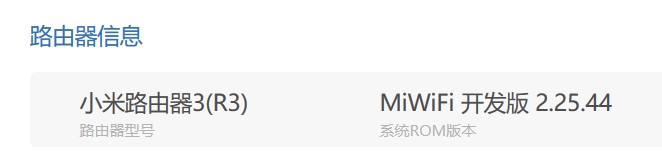
小米路由器3最新开发版,具体信息如下图:
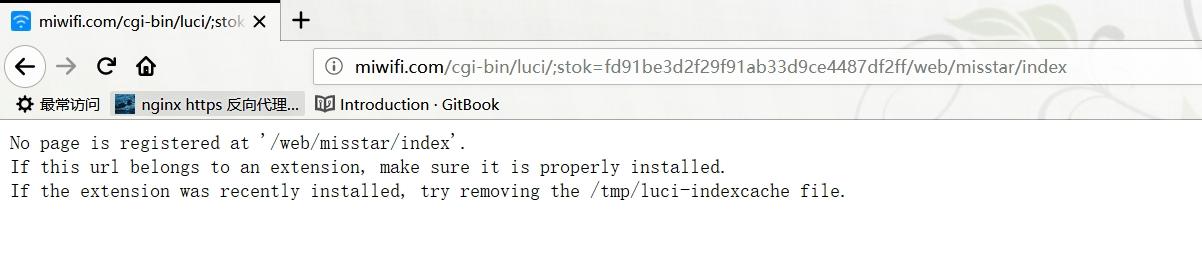
安装Misstar tools 后打开 MT工具箱 无法访问
提示:No page is registered at ‘/web/misstar/index’ .
If this url belongs to an extension, make sure it is properly installed.
If the extension was recently installed, try removing the /tmp/luci-indexcache file.
根据错误提示找到“黑皮大哥”帖子“Misstar tools 好像不能用了,提供一个临时解决办法。”:http://bbs.xiaomi.cn/t-14166902-n32
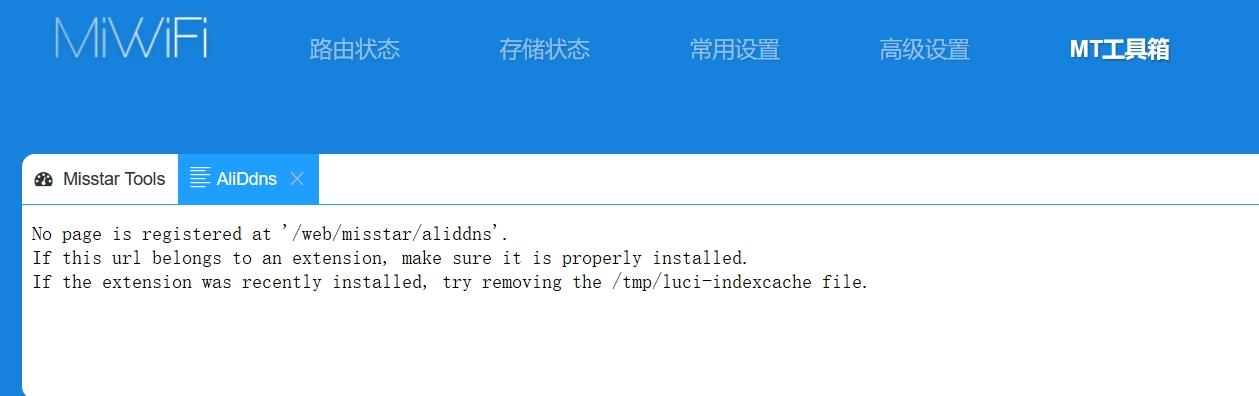
解决MT工具箱访问错误问题,随后安装各种插件。安装完成后打开各插件又发现无法访问,
提示:No page is registered at ‘/web/misstar/aliddns’ .
If this url belongs to an extension, make sure it is properly installed.
If the extension was recently installed, try removing the /tmp/luci-indexcache file.
于是按照上贴中的代码进行分析效仿终于解决插件不能访问使用的问题
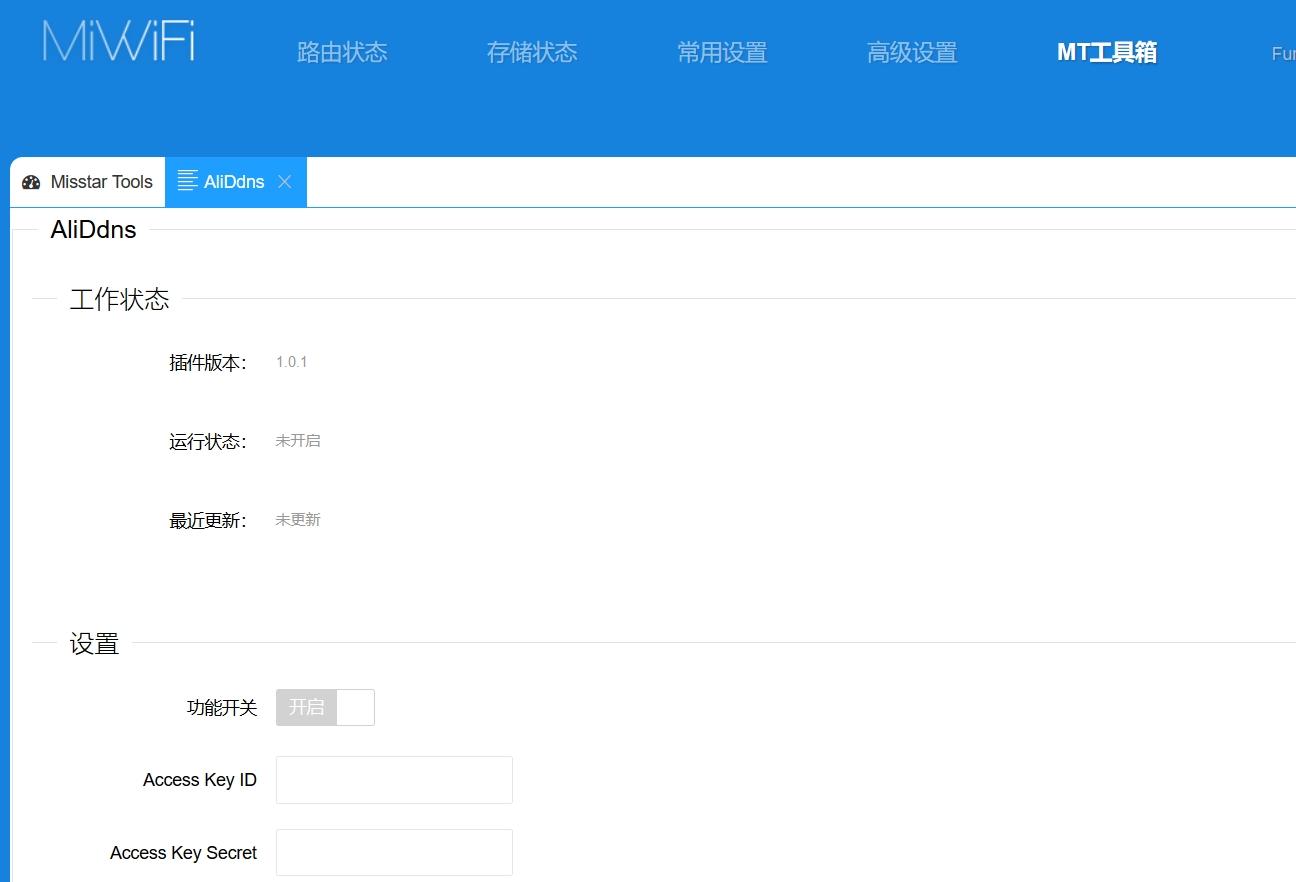
具体方法:
1、ssh方root用户登录路由器后台;
2、执行命令:
- vi /usr/lib/lua/luci/controller/web/index2.lua
3、加入如下内容:
- module(“luci.controller.web.index2”, package.seeall)
- function index()
- local page = node(“web”,“misstar”)
- page.target = firstchild()
- page.title = (“”)
- page.order = 100
- page.sysauth = “admin”
- page.sysauth_authenticator = “jsonauth”
- page.index = true
- entry({“web”, “misstar”, “index”}, template(“web/setting/misstar/index”), _(“Tools”), 81)
- entry({“web”, “misstar”, “add”}, template(“web/setting/misstar/add”), _(“Tools”), 82)
- entry({“web”, “misstar”}, alias(“web”,“misstar”,“index”), _(“Tools”), 80)
- entry({“web”, “misstar”, “ss”}, template(“web/setting/applications/ss/html/ss”), _(“Tools”), 85)
- entry({“web”, “misstar”,“frp”}, template(“web/setting/applications/frp/html/frp”), _(“Tools”), 85)
- entry({“web”, “misstar”,“aliddns”}, template(“web/setting/applications/aliddns/html/aliddns”), _(“Tools”), 85)
- entry({“web”, “misstar”,“adm”}, template(“web/setting/applications/adm/html/adm”), _(“Tools”), 85)
- entry({“web”, “misstar”,“koolproxy”}, template(“web/setting/applications/koolproxy/html/koolproxy”), _(“Tools”), 85)
- entry({“web”, “misstar”,“rm”}, template(“web/setting/applications/rm/html/rm”), _(“Tools”), 85)
- entry({“web”, “misstar”,“aria2”}, template(“web/setting/applications/aria2/html/aria2”), _(“Tools”), 85)
- entry({“web”, “misstar”,“webshell”}, template(“web/setting/applications/webshell/html/webshell”), _(“Tools”), 85)
- entry({“web”, “misstar”,“pptpd”}, template(“web/setting/applications/pptpd/html/pptpd”), _(“Tools”), 85)
- entry({“web”, “misstar”,“ftp”}, template(“web/setting/applications/ftp/html/ftp”), _(“Tools”), 85)
- entry({“web”, “misstar”,“kms”}, template(“web/setting/applications/kms/html/kms”), _(“Tools”), 85)
- end
4、执行清理缓存命令:
- rm –rf /tmp/luci–indexcache
5、刷新前台页面即可
转自http://bbs.xiaomi.cn/t-14764208-1-o1